 |
Safe Share Compatibility Mode for Web User's Guide
|
|
Safe Share Compatibility Mode for Web User's Guide
|
To access secure content, you can:
When accessed through a modern web browser, the Safe Share web application has a content viewer which allows you to view and optionally print files that other people have shared with you (including personally owned files which you had previously uploaded). See File formats supported by the content viewer (in the main Safe Share User's Guide for the web application) for a list of file types that the content viewer supports.
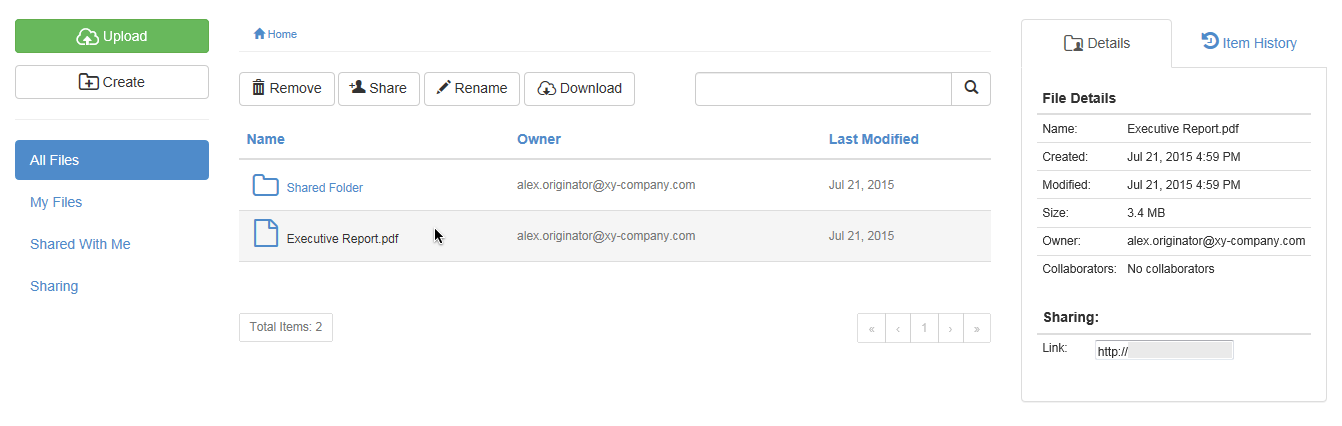
Note: Be aware that the Safe Share Compatibility Mode for Web itself (which is presented when accessing the Safe Share web application through an older web browser like Internet Explorer 9), does not actually possess content viewer (and print) functionality.
The ability to view or print (through a modern web browser) + download files is based on the permissions that the owners of these files granted their collaborators (i.e. you) when the files were shared. The content viewer is useful when the owner of a file wants to share the file's content but not allow the content to be printed and downloaded.
Note: This feature is not available if a file you can view was shared with you and the owner of that file did not allow their collaborators to download the file's content.
To download secure content: