

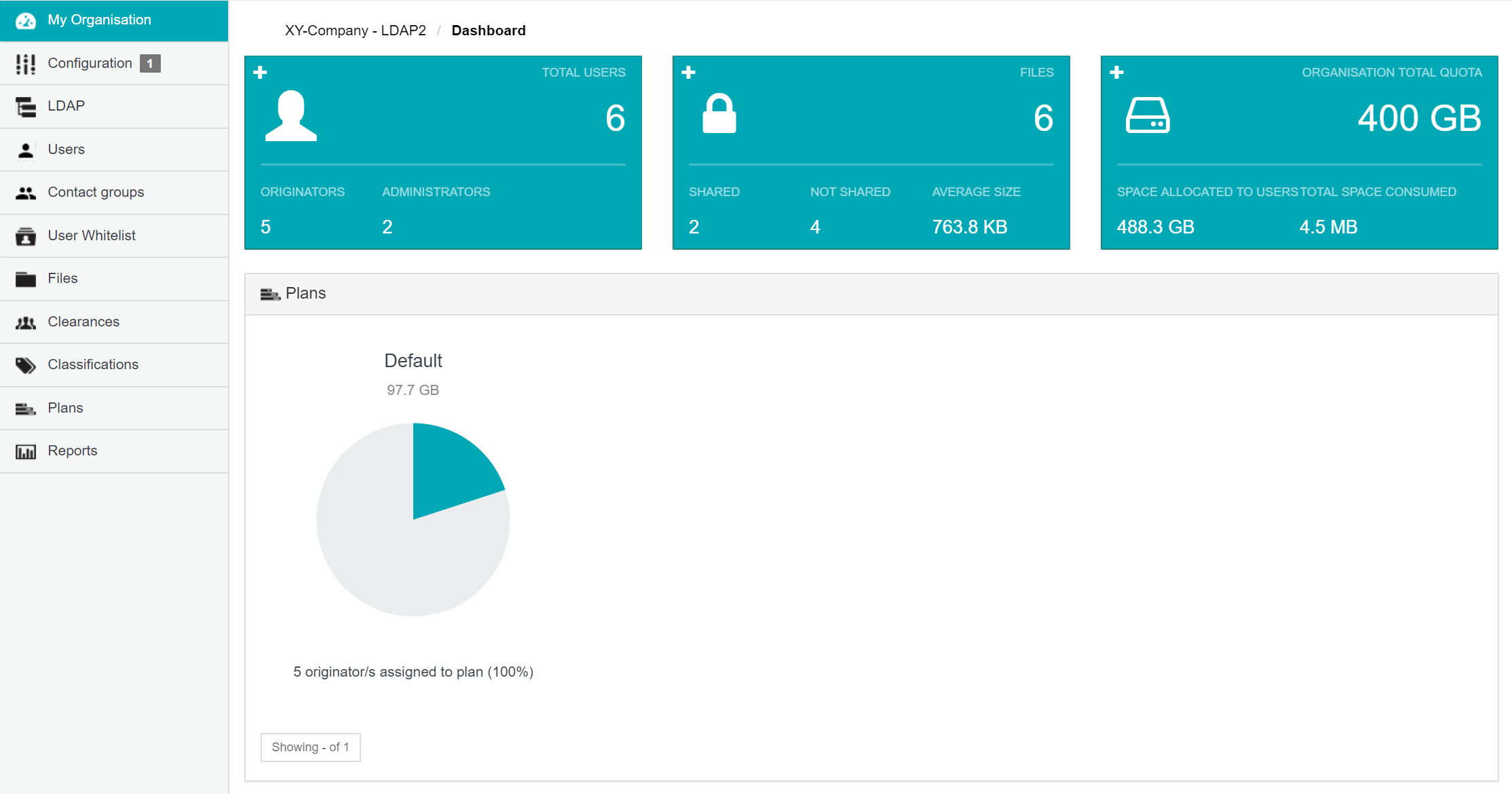
- Configure users (also known as ‘Cocoon Data users’) who are members of their organisation, where these user’s accounts can be added as newly created ones or accounts which have already been registered on the Cocoon Data Platform.
- Manage their organisation’s contact groups, defining groups of Cocoon Data users with whom items can be shared.
- Configure and manage their organisation’s user whitelist, defining which people can be shared items within the organisation based on their email address/domain, including people who are not organisation members or yet registered on the Cocoon Data Platform.
- Manage their organisation’s classifications and clearances, both of which are used in conjunction to help ensure that classified content is only shareable with Cocoon Data users who have clearance to access this content.
- Manage their organisation’s plans, each of which defines a storage quota used to restrict the amount of storage (managed by the Cocoon Data Platform’s Content Service) available to individual Cocoon Data user accounts.
- Disable or re-enable access to any files encrypted using Cocoon Data technologies on the Cocoon Data Platform, as well as view all recorded activities on these files.
- Generate reports on requests made by client applications to the Cocoon Data Platform’s API.
- Change the configuration of Organisation Administration properties.
- Accessing Organisation Administration
- Administering users within an organisation
- Configuring LDAP
- Managing contact groups
- Managing user whitelists
- Managing classifications
- Managing clearances
- Managing users’ storage quotas through plans
- Administering files
- Generating reports
- Managing IP Whitelist
- Configuring Organisation Administration properties