

- Sign in to the Safe Share web application.
- Locate the file or folder whose activity you wish to view.
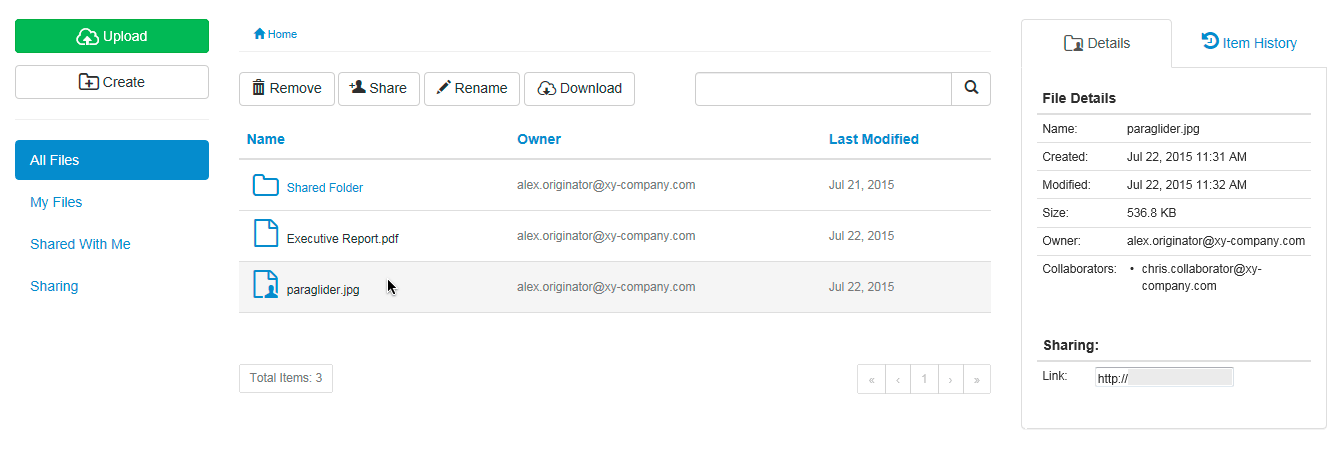
- Highlight the item, by clicking on the item’s row (to the right of its name):
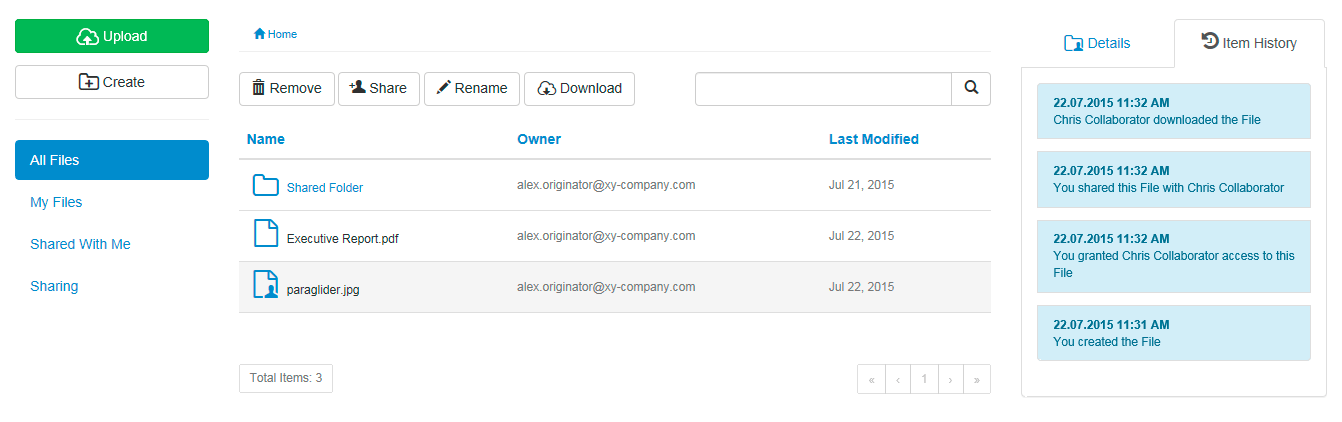
- Click the History tab to reveal a history of activities performed on the item in reverse chronological order:
Types of activities indicated
The types of activities indicated on a file or folder (i.e. item) depend on the following conditions:-
As one of the following:
- the owner of an item,
- a collaborator1 with Manage permissions on an item, or
- a collaborator with Upload permissions on an item you created2,
- Viewed or downloaded the item (if it is a file).
-
Modified:
- the item’s name or
- the item’s location.
-
As the owner of the item only, modified:
- whom the item is shared with or
- a collaborator’s permissions on the item (when sharing it).
- As a collaborator with either Download or View permissions on a file you did not create, the History tab shows each time you either viewed or downloaded that file.
- As a collaborator with Upload, Download or View permissions on a folder you did not create, no activity is shown on the History tab.
2 A collaborator in this context is yourself, having created a folder or uploaded a file within a folder owned by someone else. If the item is a file, then Safe Share implicitly downgrades its permissions from Upload to Download since, from a usability perspective, it is not possible to upload content to a file.